
About
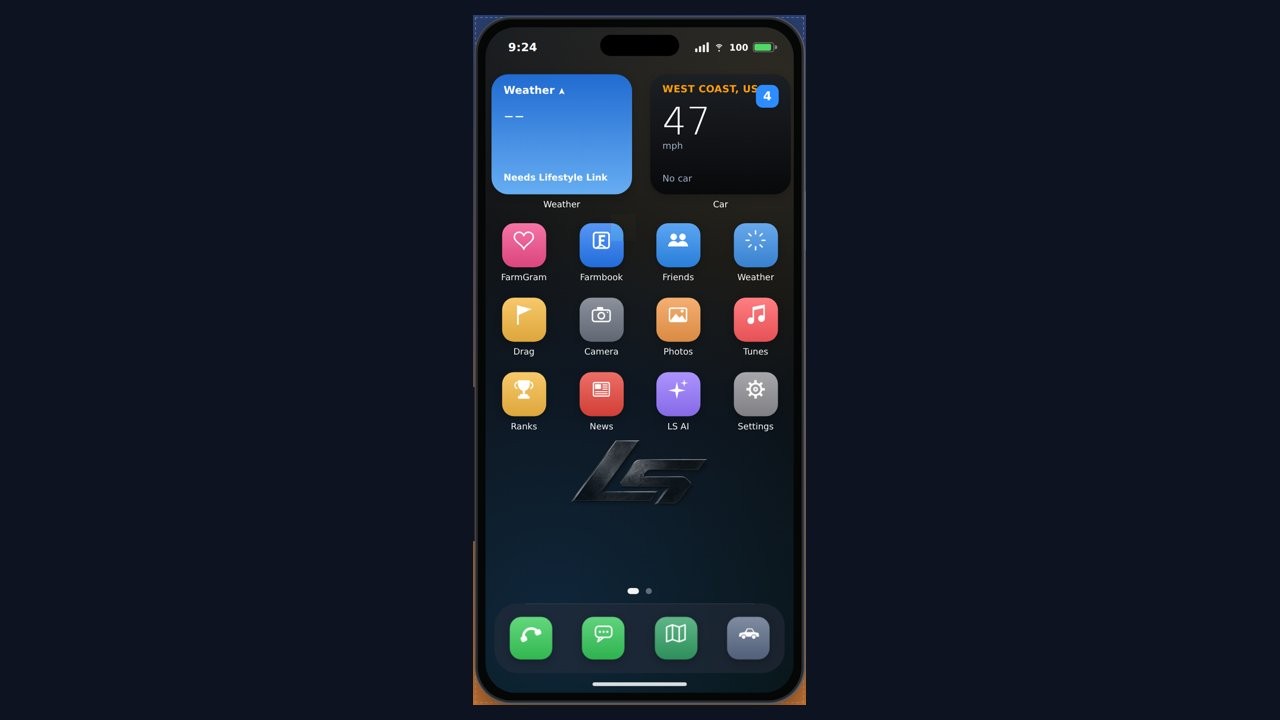
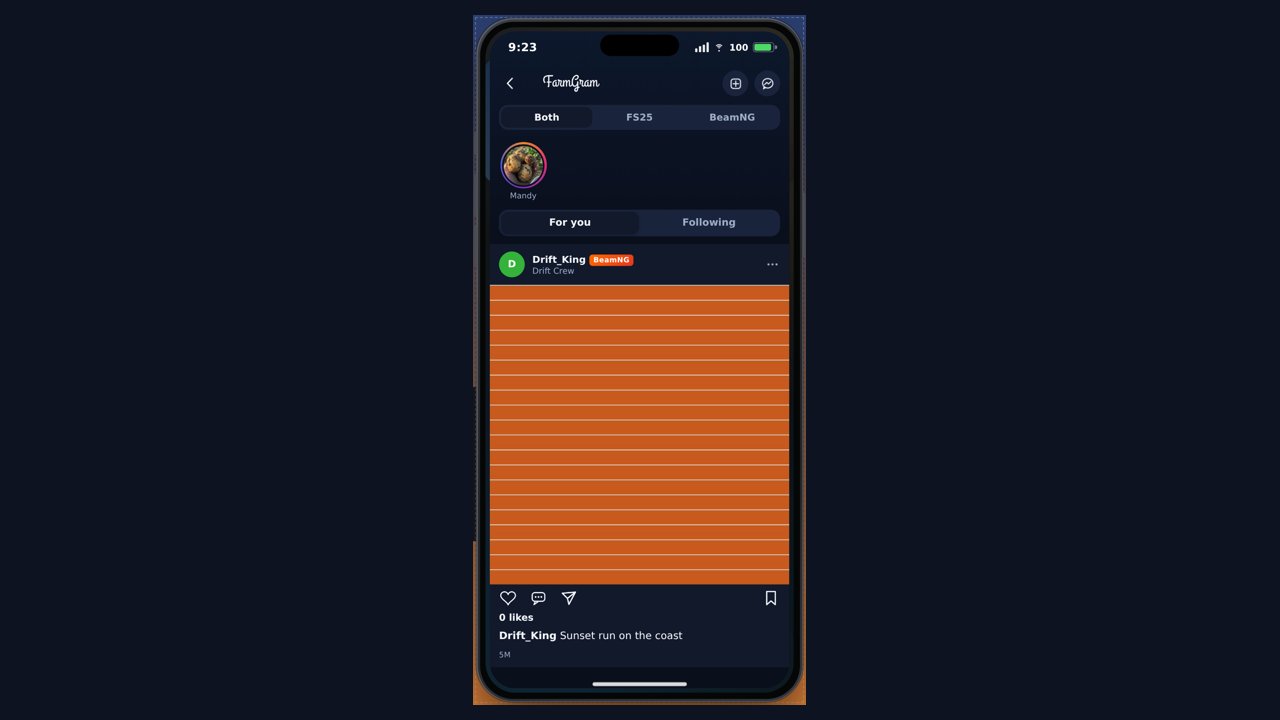
LS Phone brings the Lifestyle phone to BeamNG.drive. It's the same account and the same people: FS25 and BeamNG players can add, message and call each other, and post to the same FarmGram and Farmbook (pick Both, FS25 or BeamNG for your feeds).
Made for driving
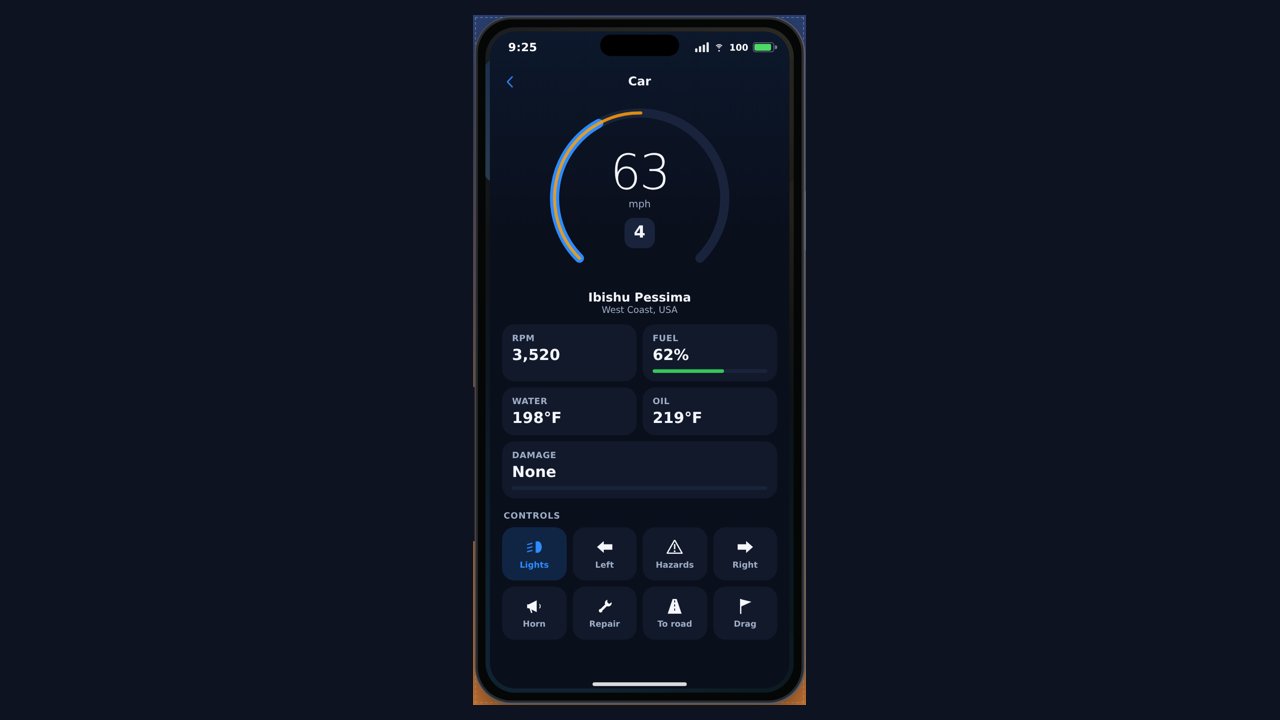
- Car: live speed, RPM, gear, fuel, temperatures and damage, plus lights, signals, hazards, horn, repair and back on the road.
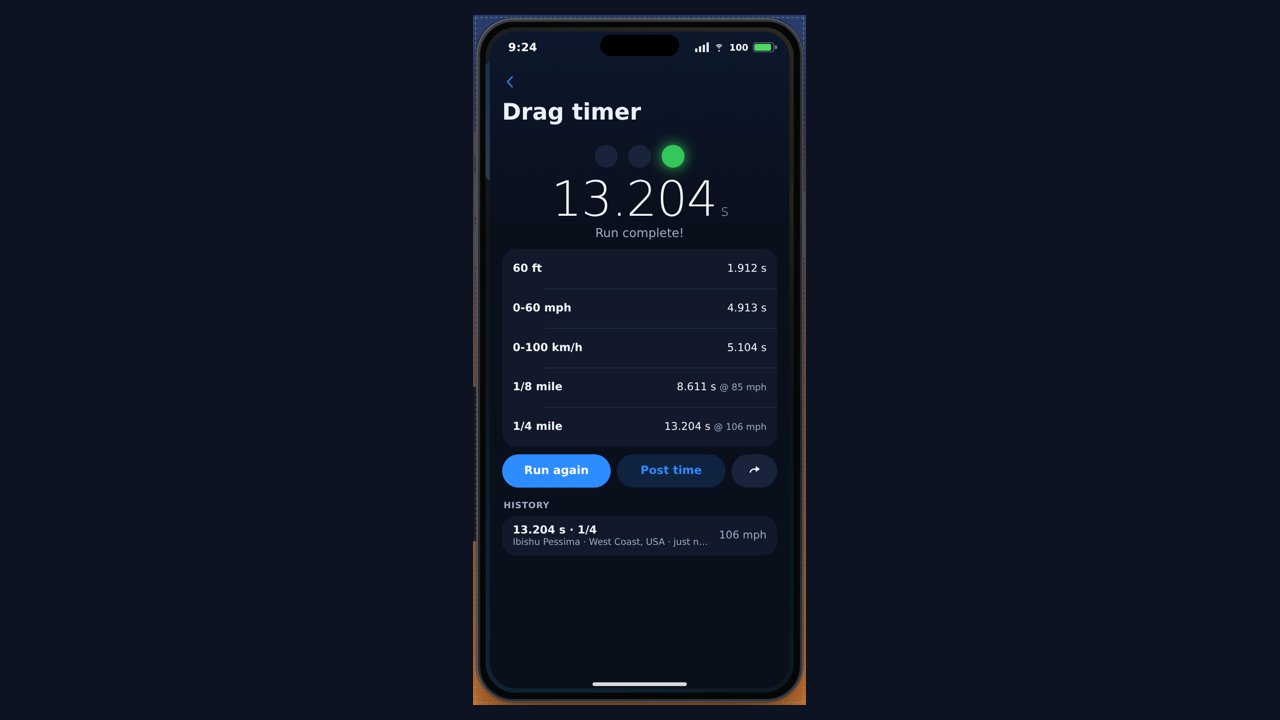
- Drag timer: 0-60 mph, 0-100 km/h, 60 ft, 1/8 and 1/4 mile with trap speed, and an online drag board.
- Maps: the level's real roads, a GPS route with arrows on the road, saved spots and teleport.
- Camera and Photos: screenshots of your game, ready to post or send. Tunes plays your PC's Music folder.
In BeamNG's menu
An LS Phone tab in the top menu (Esc): open apps, settings, Lifestyle Link status and help.
Features
- FarmGram, Farmbook, Messages, Friends and calls shared with FS25
- Car app with live gauges and controls
- Drag timer with an online board (the server checks every run)
- Maps with the real road network, GPS route and teleport
- Camera, Photos and posting screenshots
- Tunes from your PC's Music folder (in-car sound option)
- Weather, News, LS AI and the creator pages
- LS Phone tab in BeamNG's top menu
- Left Alt + O; you can keep driving with it open
How to install
- Put LS_Phone_BeamNG.zip in Documents\BeamNG.drive\current\mods. Don't unzip it.
- Run Lifestyle Link and sign in (the same account as FS25).
- Load a map and press Left Alt + O. The first time, it puts itself on your HUD.
How to use it
- Left Alt + O opens and closes the phone. Change it in Options > Controls (LS Phone).
- Esc > LS Phone tab: open an app, settings, Lifestyle Link status and help.
Known limitations
- The online apps need Lifestyle Link running on the same PC.
- English only.
Changelog
1.0.0
- First version