
About
LS Watch is an optional add-on for Lifestyle: a real smart watch on your character's left wrist, linked to the Lifestyle phone.
Buy it in the wardrobe, pick a band color and put it on. Raise your wrist and the watch screen opens right where the watch is, in the same look as the phone. Texts, Farmbook, mail and weather alerts land on your wrist, so the phone can stay in your pocket.
It's a separate mod: turn it on next to Lifestyle, or leave it off. It doesn't change anything in Lifestyle.
On your wrist
A real 3D watch that fits your character's arm, including body shaping. Other players see your watch, its band color and your raised wrist.
Linked to your phone
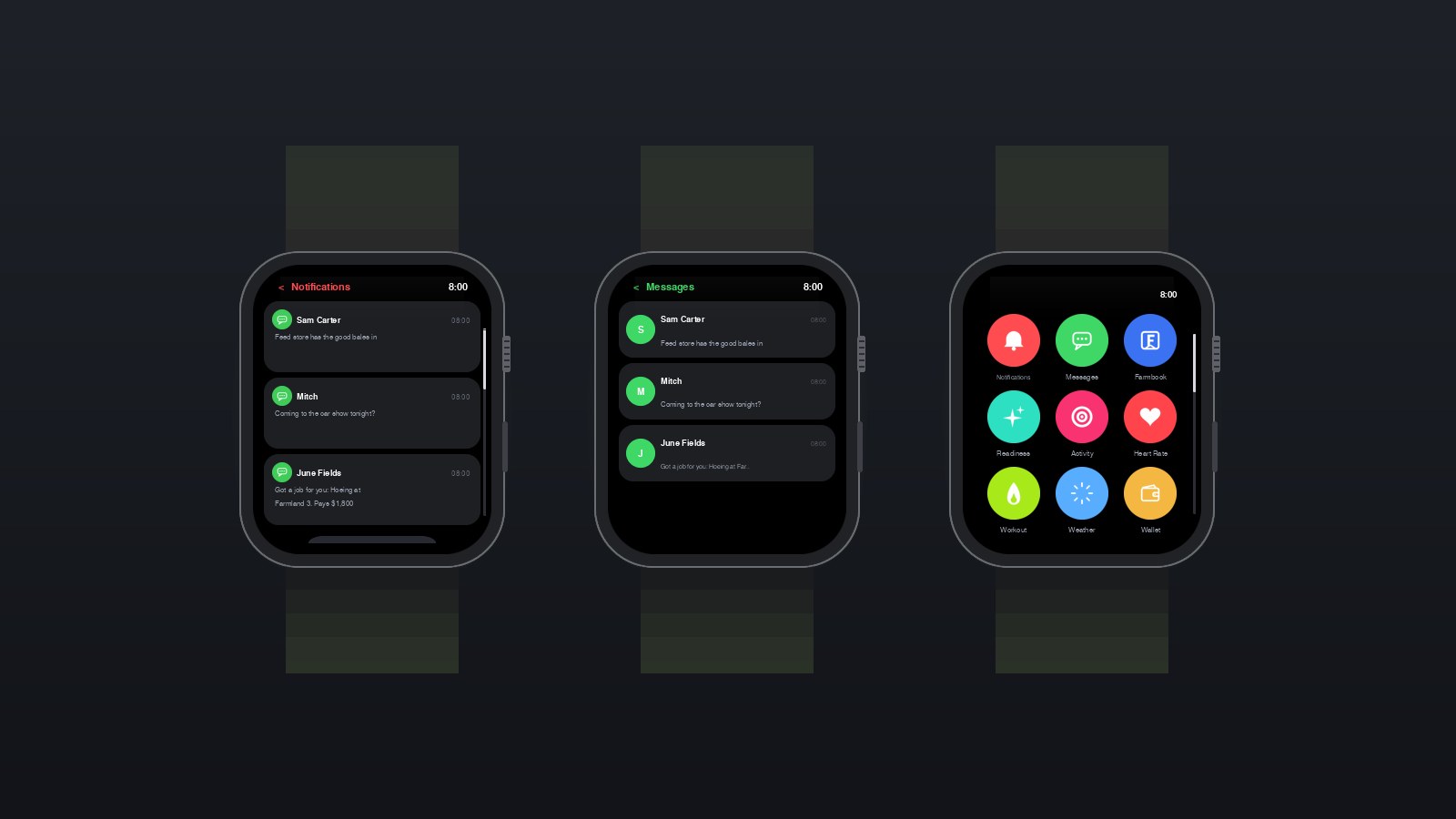
Notifications from the phone show up on the watch and as a small banner by the watch on your screen. Open any of them on the phone with one click.
Health and activity
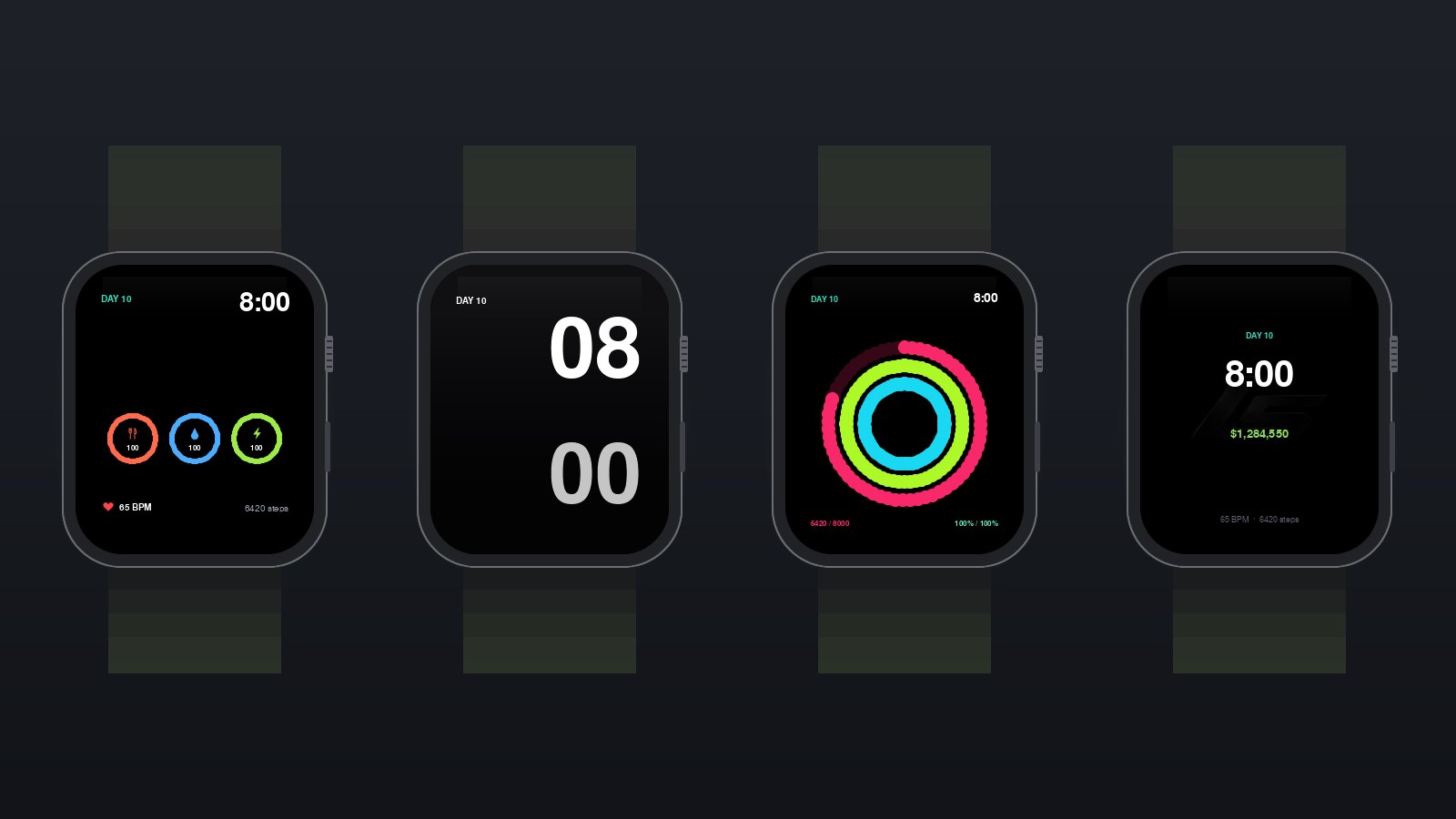
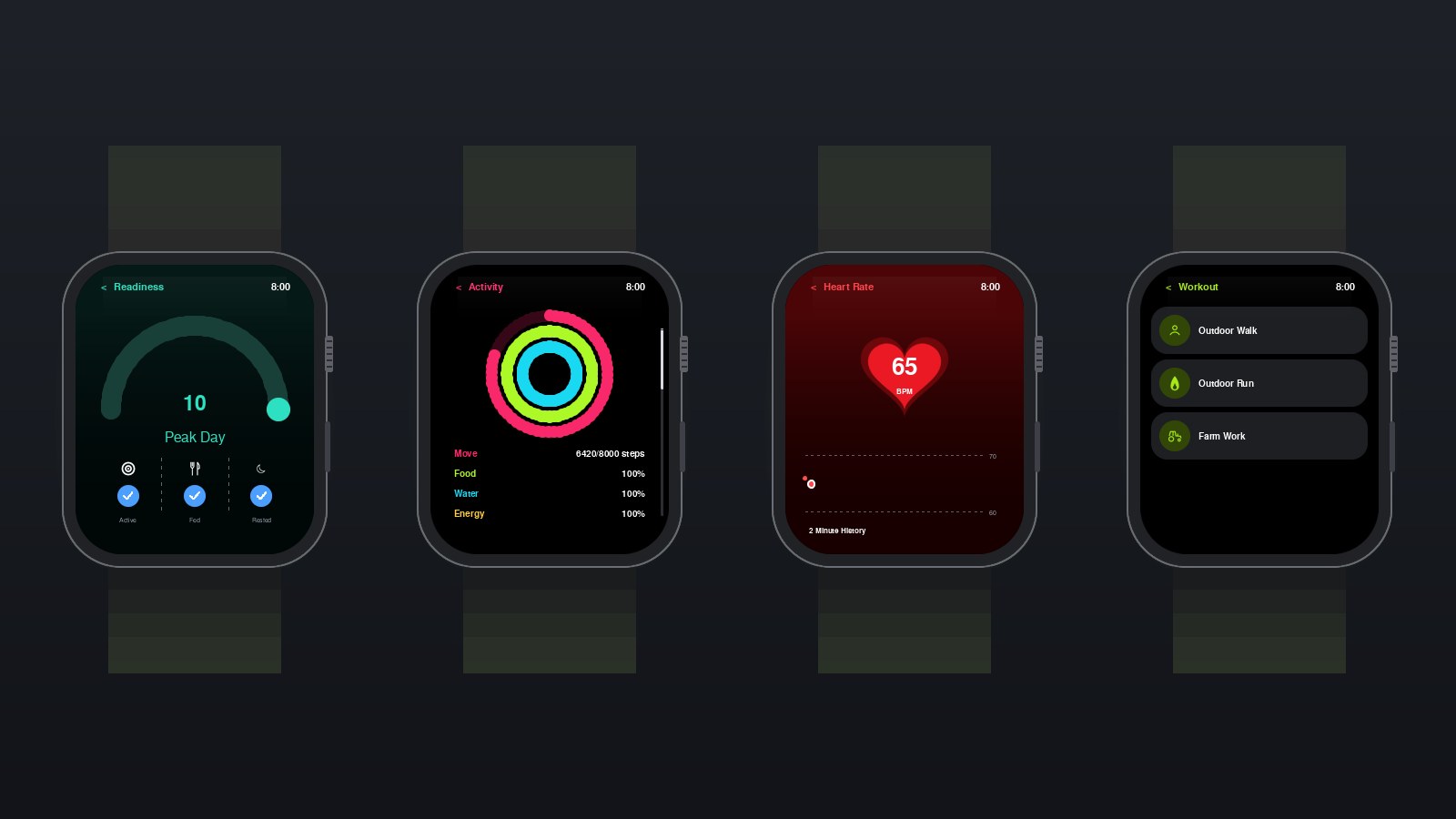
Steps, food, water and energy rings, a heart rate that follows how hard you work, a 1 to 10 readiness score, and workouts with heart rate zones.
Fall detection
Take a hard fall on foot and the watch asks if you're OK. No answer in 30 seconds and it calls for help.
Features
- A real watch on the left wrist, sized to your character's arm
- 12 band colors and 4 watch faces, bought and worn in the wardrobe
- Raise your wrist with Left Alt + J: the screen opens on the wrist
- Notifications from the phone: texts, Farmbook, mail, weather and more
- The phone's own pop-up steps aside while the watch shows it
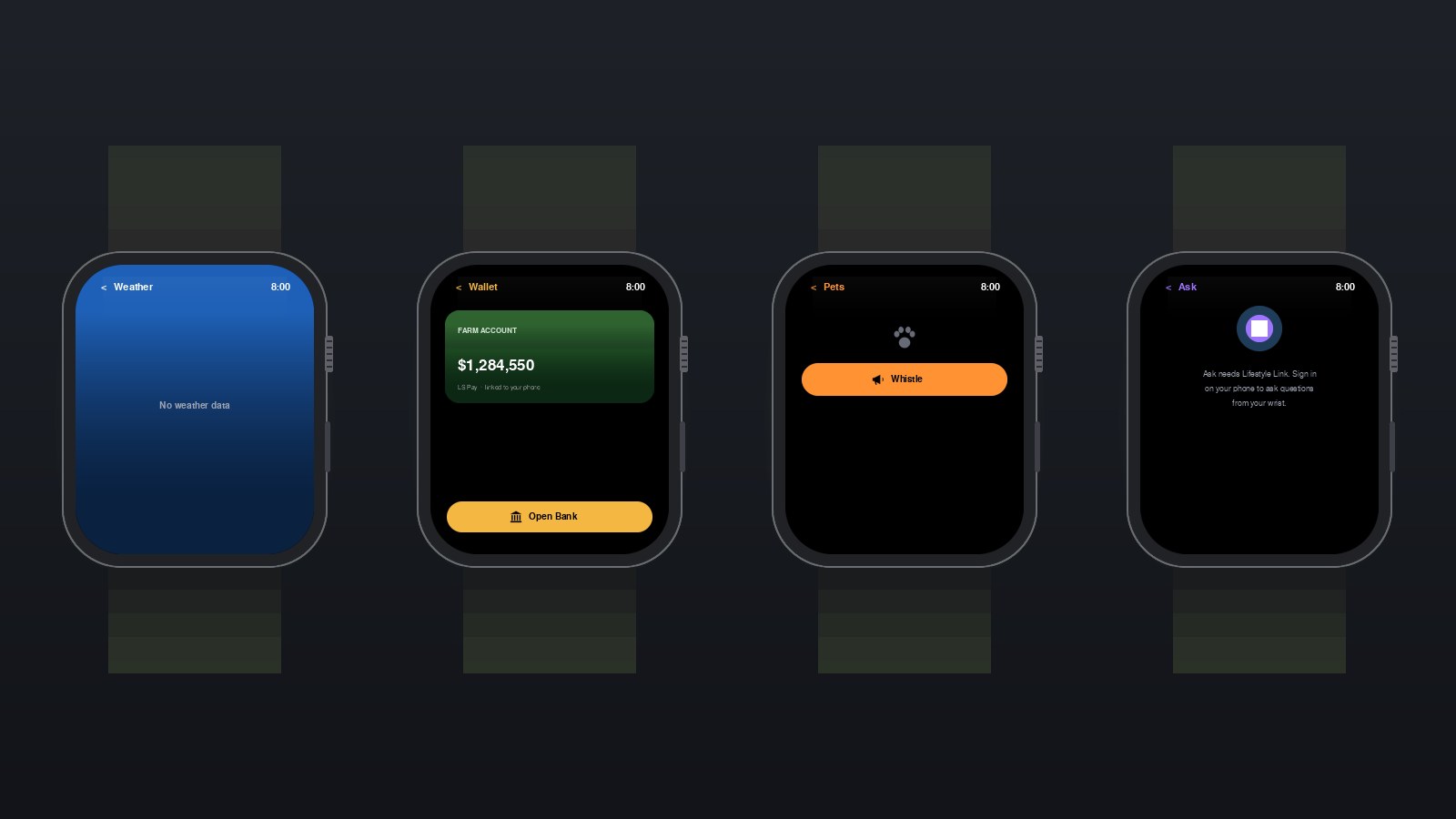
- Messages, Farmbook, Weather, Wallet and Pets apps
- Activity rings, heart rate, readiness score and workouts
- Ask: quick questions to the phone's assistant (Lifestyle Link)
- Fall detection with an emergency call
- A small watch on the HUD with the time and a notification count
- Multiplayer: everyone sees your watch and band color
How to install
- Put HS25_Lifestyle_Watch.zip in your mods folder (Documents\My Games\FarmingSimulator2025\mods). Don't unzip it.
- Turn it on together with Lifestyle when you load your save.
- In multiplayer, everyone who wants to see watches needs it on.
How to use it
- Open the wardrobe and go to the Watch tab (the watch icon after the LS tabs).
- Try the band colors on the preview, then Buy (449 from your farm money) and Wear.
- Doesn't sit right on your arm? Use Fit on the same tab: Around wrist, Along arm, Height and Size.
- Raise your wrist with Left Alt + J (change the key in Options > Controls: "LS Watch: raise wrist"), or click the small watch on the HUD.
- On the watch: click to tap, mouse wheel to scroll or change the face, right click / Esc / Backspace to go back.
- Put it down with Left Alt + J again, or click outside the watch.
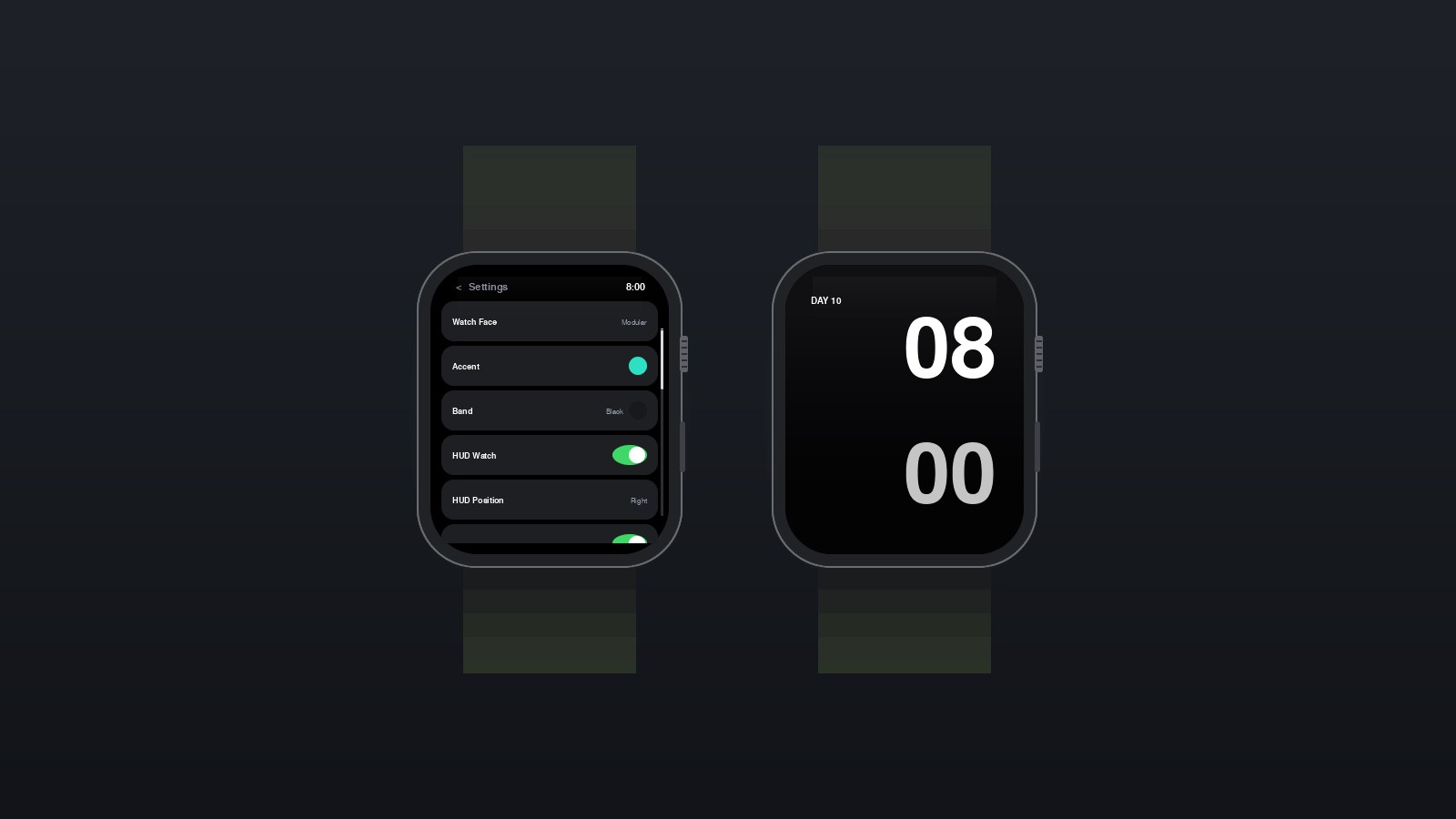
- The phone gets a Watch app too: band, face, banners, HUD watch and fall detection.
- Watch Settings > Screen on the Wrist: off puts the screen in a fixed spot on the right instead.
Known limitations
- Beta: expect rough edges. Back up your save first.
- In first person the screen opens in a fixed spot (there's no arm to put it on).
- Pictures show the watch screens; in-game pictures are coming.
- The watch is saved per savegame on your PC (modSettings), not in the save itself.
Changelog
0.1.3 (beta)
- Sits right on the wrist out of the box (bigger, turned to the top of the wrist, a bit up the arm)
0.1.2 (beta)
- Fit: turn the watch around your wrist, slide it along the arm, move it closer or farther and change its size (wardrobe > Watch)
0.1.1 (beta)
- Fits the wrist: sized to the arm's thickness, turns with the forearm, slimmer on female characters
- The screen opens on your wrist when you raise it
- The phone's pop-up steps aside while the watch shows notifications
- Wallet shows the bank's last changes; Ask can't get stuck on "Thinking"
- A bought watch can't look lost after loading a save again
0.1.0
- First test: wardrobe tab, wrist pose, apps, notifications, fall detection